Our goal: under 90 seconds — scan, sign in, done.
Open Magnetday on the kitchen tablet and scan the code with your phone. Sign in with Google on the phone you already use. Your family's week is on the screen before your coffee's done. No manual, no keys, no typing on the tablet.
Illustration of the planned setup
-
Scan the code on the tablet
The tablet shows a QR code. Point your phone's camera at it. That's how the two find each other, so you never type on the tablet.
-
Continue with Google
One tap on your phone. Magnetday works with the Google Calendar you already share, so there's nothing to move and nothing new to learn. Your calendar stays in your Google account.
-
Say hi to your family
Magnetday picks your family calendar and suggests everyone on it, each with their own color. Tap to fix a name if it guessed wrong.
-
That's it
The week is on the tablet. Inviting your partner, adding the fridge panel and setting up photos come after, one tap each, whenever you want.
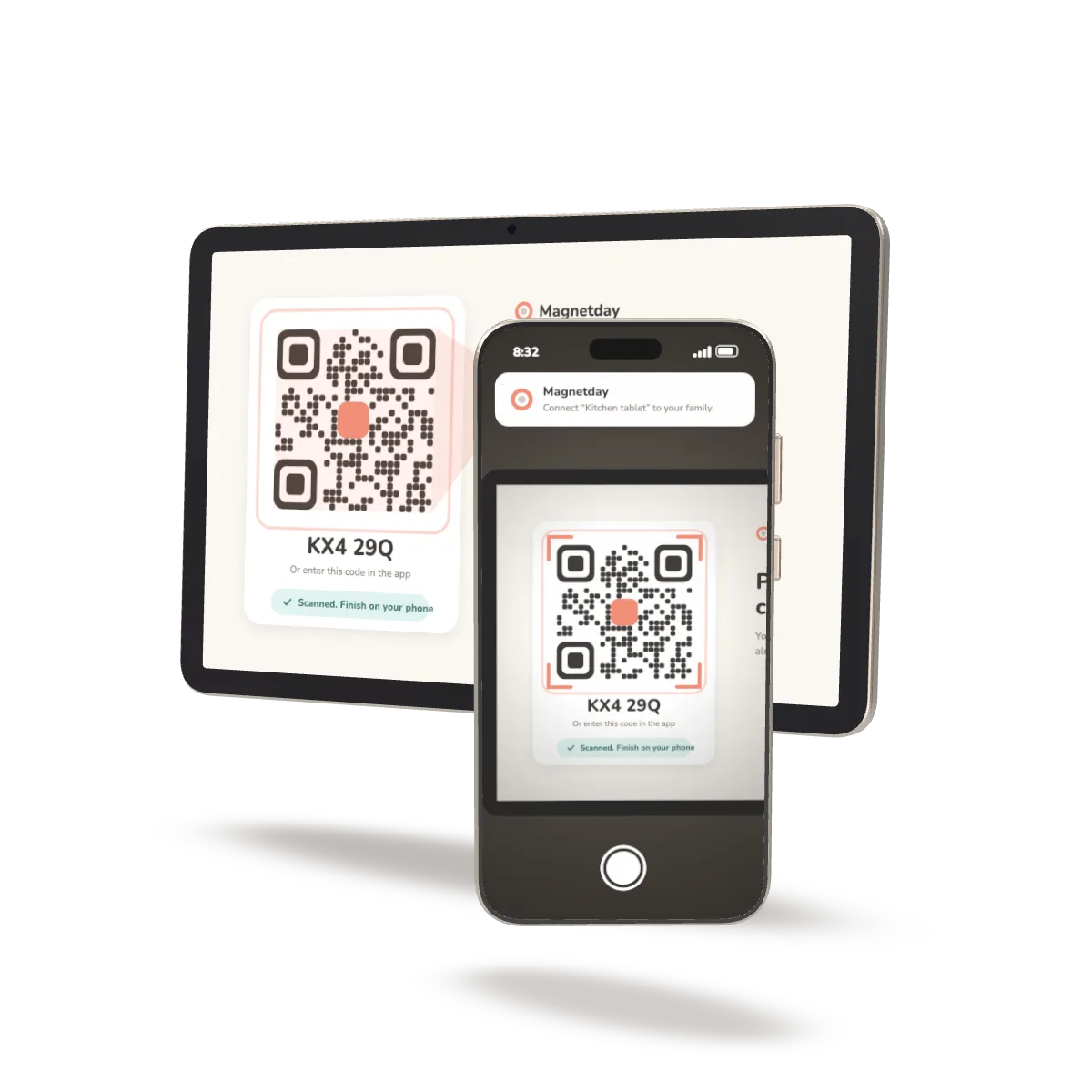
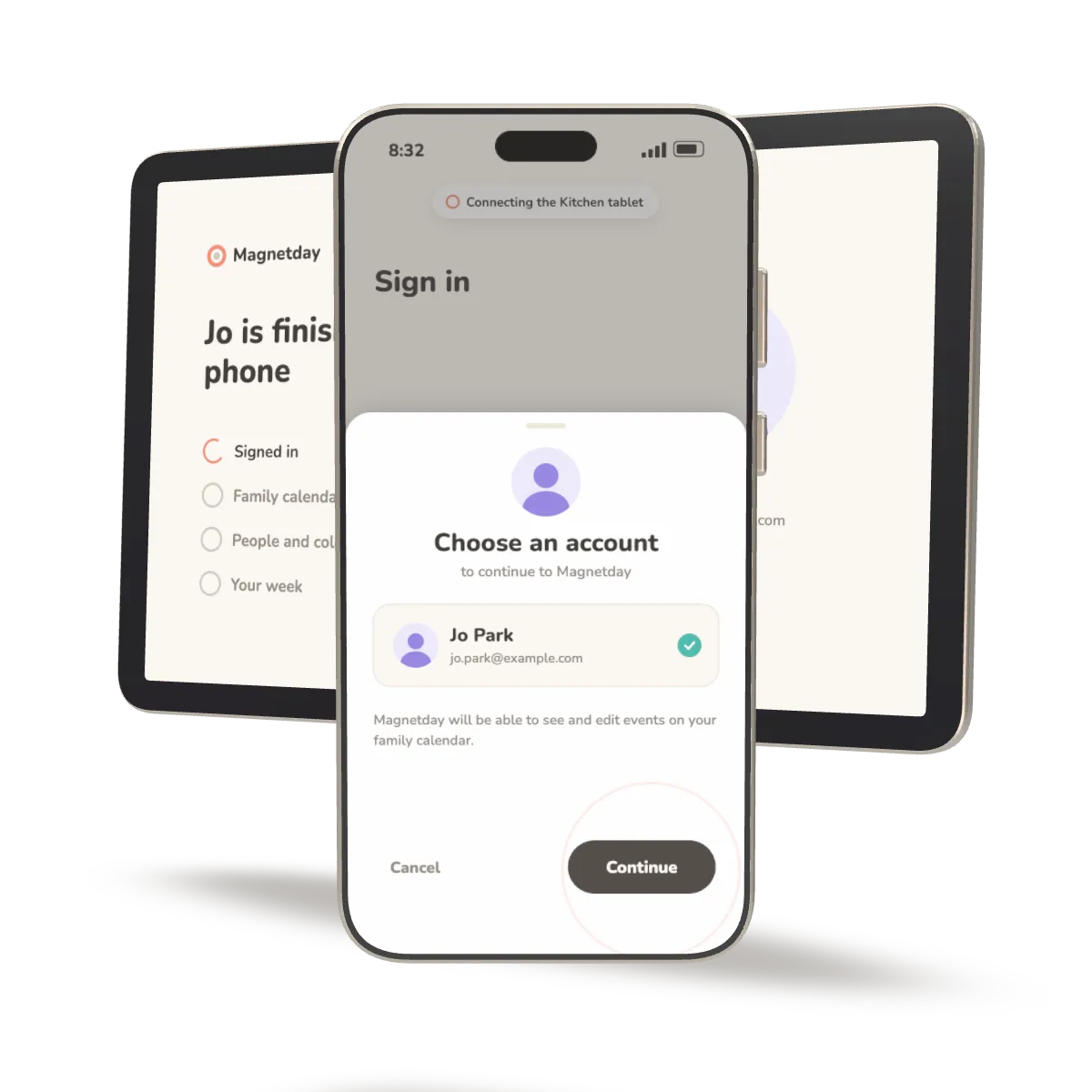
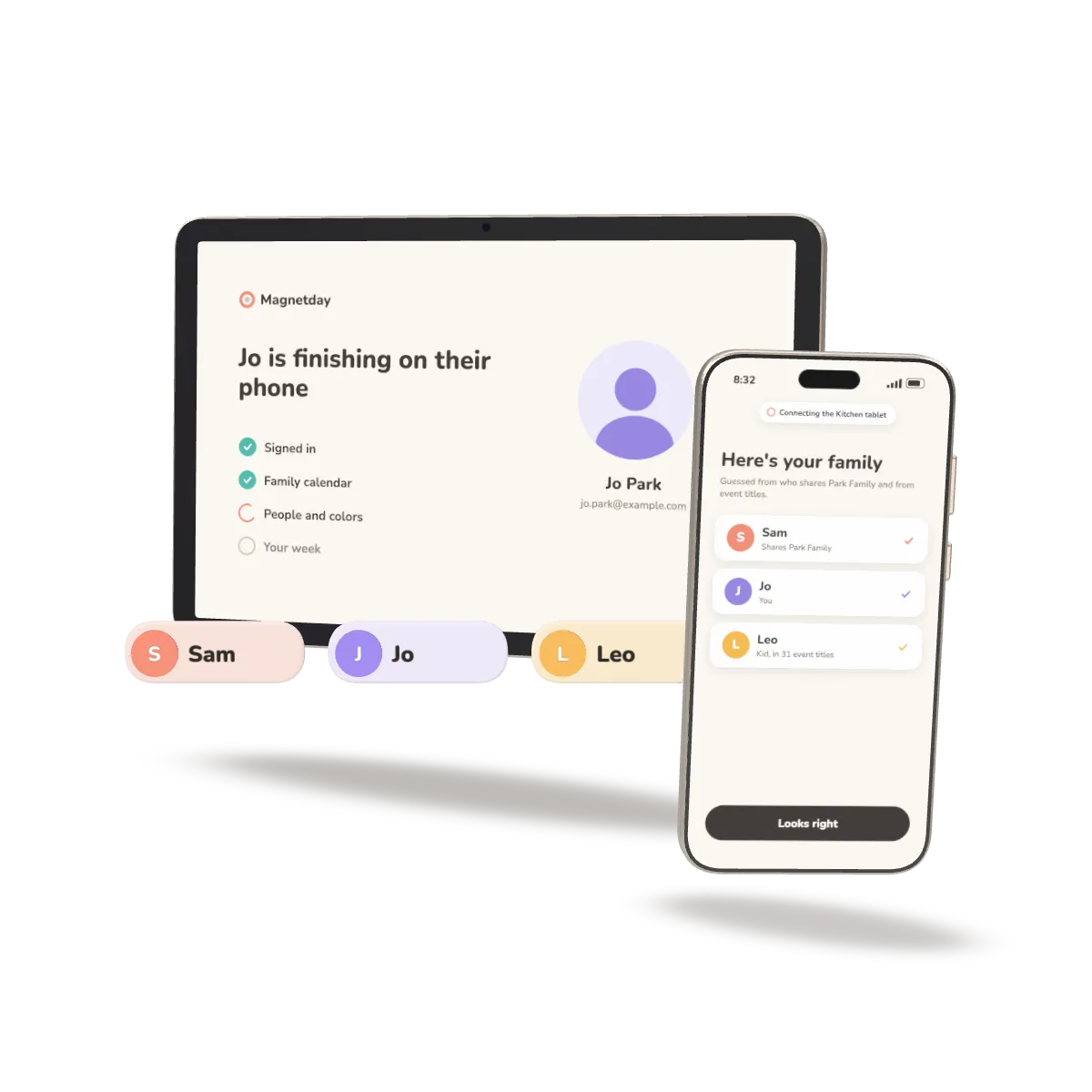
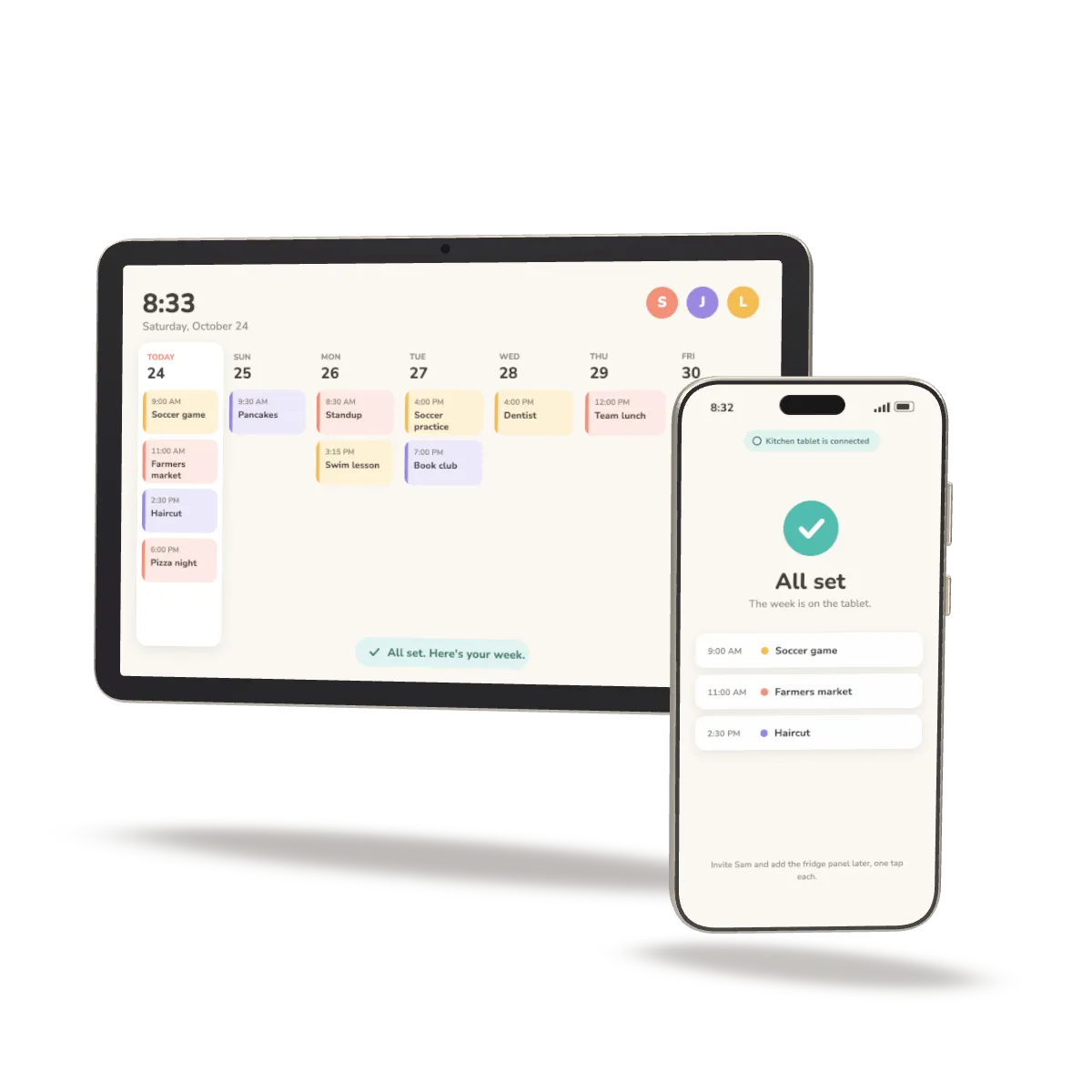
Illustration of the planned setup
Our goal is under 90 seconds, start to finish. We'll publish the stopwatch test on real phones and tablets before we say it's done.
Run Home Assistant? A Home Assistant edition is coming soon, with the same one-tap Google sign-in.
Setup questions
Do I need to create anything in Google first?
No. You sign in with the Google account that has your family calendar, and that's it. No developer console, no keys.
What if we don't have a tablet?
Phones work on their own. The kitchen tablet and the fridge panel are optional. See what to use.
Does it work with Home Assistant?
A Home Assistant edition is coming soon, with the same one-tap sign-in. You don't need Home Assistant to use Magnetday.